CONNECTED BY HEART
Windows PC · YouTube · TwitchPlay with fans.Stream with ease.
Turn chat into play. Make stream prep a little easier.
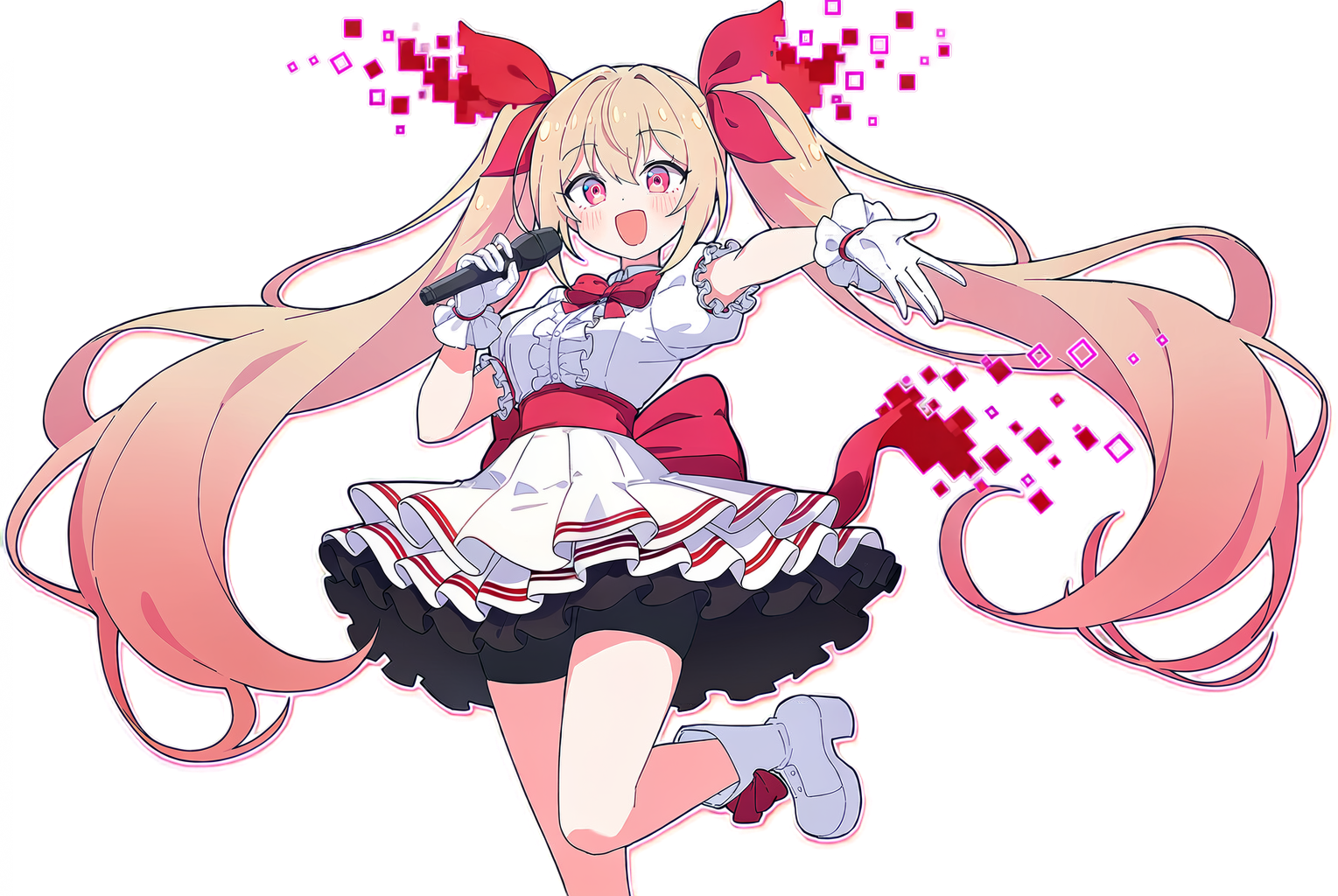
Stream Hearts, a Windows app for streaming with your fans.
 Official trailer
Meet the games and broadcast tools through actual app footage.
 Today's stream, made fun together.
01 / PLAY TOGETHER
Games to play
with your fans
Choose a game to see what it is and how viewers can join.
Chat participation
Fan Playground
Care for fan characters and build a shared island.
Chat to appear, then use !eat, !sleep or !ball to eat, rest or play.
Full participation guide
Fan Playground · How to join and play
Viewer chat participation!eat!sleep!ball!fish!strStreamer setup
Open the playground, place beds, food bowls and play equipment, and assign registered characters as defaults or to specific nicknames. Start in broadcast mode.
Viewer participation
Send a message in the connected stream chat to appear. There is no separate !join step for ordinary island activities.
What happens on screen
Available commands send characters to facilities to eat, rest or play. Look after their hunger, energy and mood together.
Results and ending
Island life continues rather than ending with a single winner. The streamer can stop the activity or switch to another game.
Fishing and training require suitable equipment. Occupied facilities, blocked paths and low energy can delay or prevent an action. For duels, the streamer chooses two fans and starts the match; those fans then choose attack, defend or flee.
Actual app footage; some clips include test chat.
02 / STREAM TOOLS
Tools for
your broadcast
Choose a tool to see what it does and how to use it.
Stinger
Create transition videos for switching broadcast scenes.
Add a fan character and text, choose an effect, and use the transition video in OBS.
LET'S GET CONNECTED
From familiar chat
to our shared stage.
Official chat APIs · Planned for launch
- 01
Connect your stream chat
Connect your streamer account and choose a broadcast. Platform permissions and setup guidance will be provided before release.
- 02
Pick today's activity
Set up your fan characters and share the in-app participation instructions with your fans.
- 03
Add the scene to your stream
Add the app's browser-source URL to your streaming software. OBS and other software with browser-source support can show the shared scene.
Platform connections require your consent. Read the privacy information
BEFORE WE MEET
Your questions,
answered here.
We're getting the information
ready for launch.
When and where can I get it?
This guide covers the Windows x64 version 1.0.4. A simultaneous Steam and STOVE launch is in preparation. The sale date and price will be announced once the official stores are public.
Do fans need to buy the app too?
Chat participation is being designed around the chat fans already use. The streamer runs the app and fans join with messages for each game. Final participation requirements will be listed in the release guide.
Can I use my own characters and music?
You can use imported fan characters and music files for the rhythm game. Please use files you own the rights to or have permission to use, including the rights needed to broadcast them.
Are all streaming platforms supported?
The first release will connect to YouTube and Twitch chat. Official API chat connections are implemented. Public OAuth verification and checks with real accounts and live output are handled separately.
Where do I buy it or request a refund?
After release, purchases, payments and refund requests will follow the procedures of Steam or STOVE, where you bought the app. This website provides product information and guides. For app support and privacy requests, contact our official email address.
OUR NEXT STAGE
Your next stream,
let's play together.
This guide covers the Windows x64 version 1.0.4. A simultaneous Steam and STOVE launch is in preparation. The sale date and price will be announced once the official stores are public.
STOVE store review complete; publication pending. Build review preparation is underway. Steam store and build reviews are pending.
Release & user guide →